
Now Reading: Lulu Balance Check: How to Check Your Lulu Card Balance in 2026
-
01
Lulu Balance Check: How to Check Your Lulu Card Balance in 2026
Lulu Balance Check: How to Check Your Lulu Card Balance in 2026

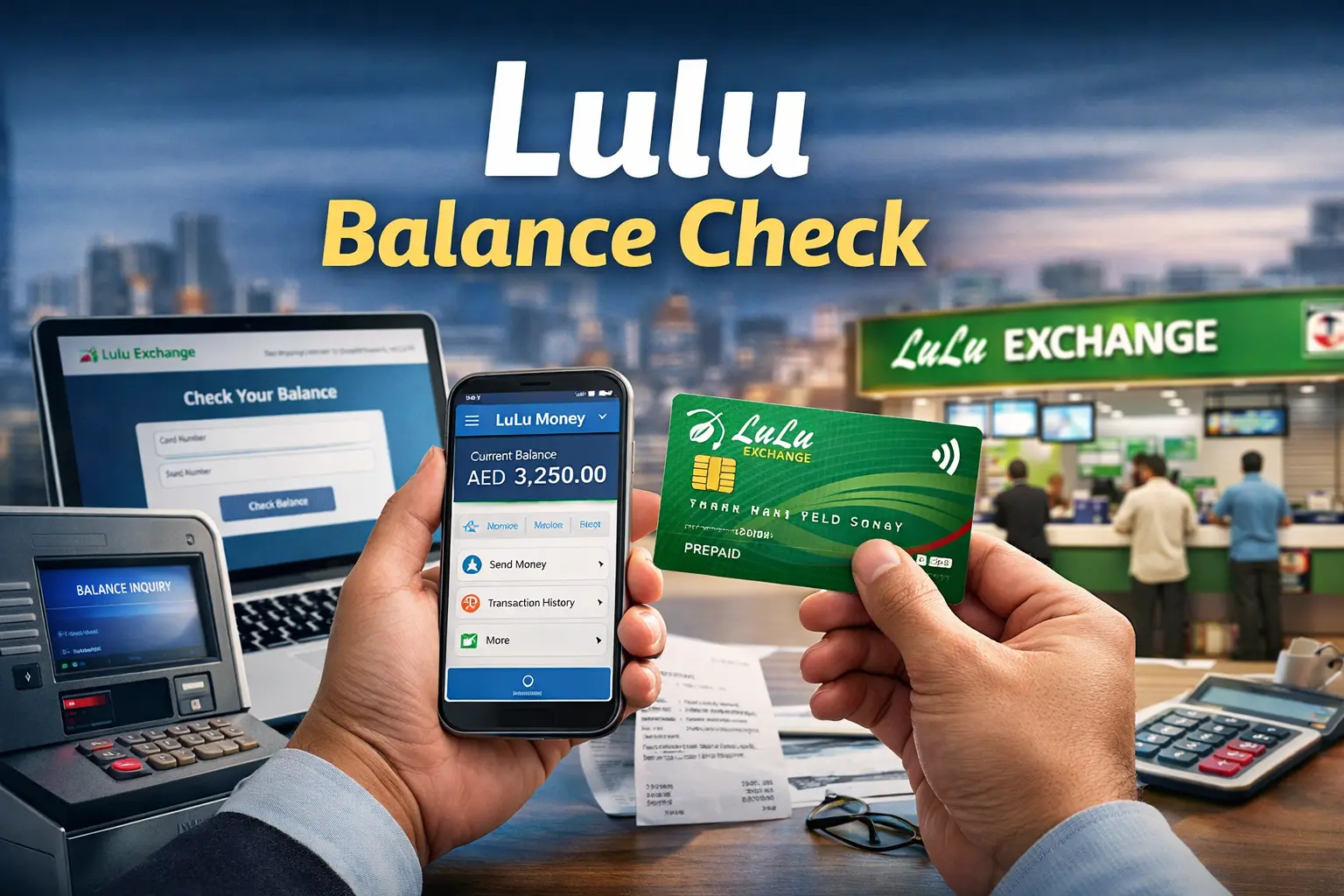
The first step to money management is to be aware of the amount of money you have at your disposal. Lulu Balance Check assists cardholders to manage their expenditure, prevent unsuccessful payment, and budget payments. On a Lulu salary card, a prepaid card, or any other service that deals with loyalty, it is always important to check your balance to have an unproblematic money management. Having many online and offline choices to choose in the year 2026, Lulu Exchange has simplified balance tracking making it fast and easy to access by everybody.
About Lulu Balance Check
Monitoring your spare money is a must in the busy life that we are living. Lulu Check enables customers to easily check the amount of money they have left in their Lulu card in real time to buy something, make a withdrawal, or transfer money. The practice will prevent last-minute shock particularly when paying the bills, shopping, or transferring money to family.
What Is Lulu Money?
Lulu Money is a trusted financial service provided by Lulu Exchange, widely used across the UAE and other regions. It is designed to offer secure and user-friendly money solutions for individuals from all walks of life. With LuLu Money, customers can send international remittances, manage salary accounts, use prepaid cards, and track transactions with ease.
How to Do Lulu Balance Check Online in 2026?
There are multiple ways to check your available amount, ensuring flexibility for every user. Below are the most reliable methods:
Website Balance Check
The following is a simple step wise instruction on how to check your balance at Lulu Exchange through the online site.
- Open your phone, tablet or computer and go to the official Lulu Exchange site.
- When you already have an account, you can click on the button Login. You need to register an account; this is done by clicking Register after which you will be asked to provide your name, mobile number, email address and a strong password.
- When asked to confirm your email address or mobile number, it is to protect your account.
- After log-in, please visit either My Cards or My Account, which is located either on the home page or in the menu.
- Choose the Lulu Salary Card or shopping card.
- Go to the Balance, Balance Inquiry or View Balance button and tap on it to view the balance at hand.
- Check your last transactions such as spending, deposit, and money transfers.
To be sure, it is better to use your own Wi-Fi or mobile data and avoid using the free Wi-Fi. Changing password frequently is also a good idea.
Lulu Money App Balance Check
- On iPhone, open Apple App Store, or on Android, open Google Play Store.
- Enter Lulu Money and be sure to install the official application.
- Install and wait until the app downloads and installs.
- Installation the app will open upon opening.
- Register in case you have an account. New users should tap Sign Up.
- Add your name, mobile number, email address and a very strong password.
- Confirm your information by typing in the code that has been sent to your telephone or email.
- Once it has been verified, access My Cards or Cards on the home screen.
- Choose a card that you would like to check like your Lulu Salary Card.
- The amount you have will be displayed on the display.
- To see activity, swipe down or open Transactions to see spending, received amounts and transfers.
- Switch on notifications to receive low balance or salary credit alerts.
To get additional security, turn on phone lock, fingerprint or face scan.
Balance Check by SMS
- Open the Messages app in your mobile phone.
- Open a new message and type BAL, a space and then your Lulu card number (e.g.: BAL 1234567890).
- Check and recheck the card number to ensure that you are using the correct card number and no wrongdoing.
- Text this to 51199, the balance checking number of Lulu Exchange.
- In several seconds, you will get an SMS of your balance.
- It is quick and does not require the internet or mobile data.
- The SMS can be saved and can be referred to later.
- Remember to send the message using the same phone number that you used to open the account with Lulu Exchange.
You can make any check whether at day or night. It operates at any point in the UAE even when you are not home.
Balance Check at Lulu Exchange Branch
- Locate the closest branch of Lulu Exchange in your city either on the internet or by inquiring someone close to you.
- Go to the branch in working hours, which is generally 9:00 am to 9:00 pm; however, see the time first.
- Carry your Lulu card and Emirates ID or valid ID with you.
- Visit the customer care counter where the employees will be requested to verify your account.
- They can request your card or card number.
- They can also swipe your ID to ascertain that you are the cardholder.
- On checking they will inform you the balance or give you a receipt in case you demand one.
- Inquire whether you have any questions regarding your balance or transactions.
- Your privacy and personal information shall be kept safe.
There are also some branches, which have self service machines or ATMs, where you can check your balance but this might take more time than using the app or the site.
Lulu Salary Balance Check at ATMs
- Locate an ATM where Lulu cards can be accepted.
- Go to ATM and withdraw your Lulu salary card.
- Place the card in the ATM hole.
- Wait till the screen displays the options.
- When requested, enter your PIN code.
- Click on Select Balance Enquiry or Check Balance.
- Wait as the ATM completes your request.
- Monitor your balance on the screen.
- Select whether to get a printed receipt or not.
- Take your card and exit ATM.
This will allow you to check your Lulu card balance without having to go online or have a smart phone to do so.
Tips to Avoid Balance Problems
- Avoid end up in last minute problems by forming a habit of looking at your balance periodically.
- Always update your app, add your mobile number and verify transactions regularly.
- You may plan ahead to ensure that you are ready in case of an emergency or a payment due date or in case of some unforeseen costs.
Conclusion
Regular Lulu Balance Check is a simple habit that leads to better financial control. It helps prevent declined transactions, supports smart budgeting, and ensures peace of mind before any payment or transfer. With multiple checking options available in 2026 , staying informed about your funds has never been easier or more important.
FAQs
How often should I check my Lulu card balance?
It’s best to check before making major transactions or at least once a week to stay updated.
Is Lulu Balance Check free?
Yes, most balance inquiry methods are free of charge.
Can I check my balance without internet access?
Yes, you can use SMS or visit a branch for assistance.
Is the Lulu Money app safe to use?
Absolutely. The app uses advanced security features to protect user data and transactions.
Read More:
Naif Police Station Dubai: A Complete Guide to Location
Hor Al Anz Dubai: A Vibrant Community Blending Culture
Exploring Dubai Old Village: A Journey Into History
Al Khail Mall Dubai: A Convenient Hub for Food